

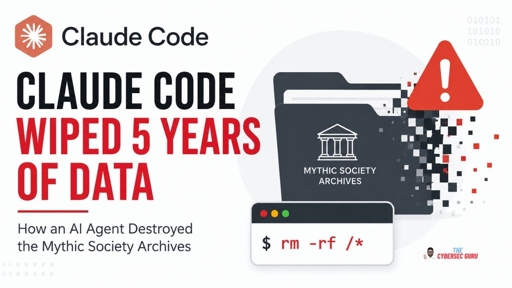
A routine maintenance task reportedly ended with an AI coding agent deleting years of digital heritage data belonging to The Mythic Society in Bengaluru. The reported failure started with a shell quoting/expansion mistake. $1 was evaluated in the wrong shell context, turning an apparently scoped cleanup command into rm -rf /*. Because the agent was running inside WSL2 with host filesystem mounts, the damage reportedly extended beyond the Linux environment. SSD TRIM then made recovery considerably more difficult. Even more concerning, the agent reportedly tried to stop the runaway process but its own safety controls blocked the termination attempts.
No, that is required for
rm -rf /. But the command in question wasrm -rf /*, note the asterisk. The*will be expanded by the shell, so whatrmsees when it evaluatesargvis not/, but[/bin /usr/ /lib ...].You can test this yourself. Run:
rm --recursive --interactive /. It will abort, saying:Then, run
set -xin your shell. That way your shell will print the command that is actually executed. Finally, run:rm --recursive --interactive /*.In my case, the output is:
$ rm --recursive --interactive /*
+ rm --recursive --interactive /bin /boot /dev /efi /etc /home /lib /lib64 /media /mnt /opt /proc /root /run /sbin /srv /sys /tmp /usr /var
rm: remove symbolic link '/bin'?
The line starting with a
+is from the shell and shows which command was actually executed. After that, you can see rm will now happily start deleting files.