You must log in or # to comment.
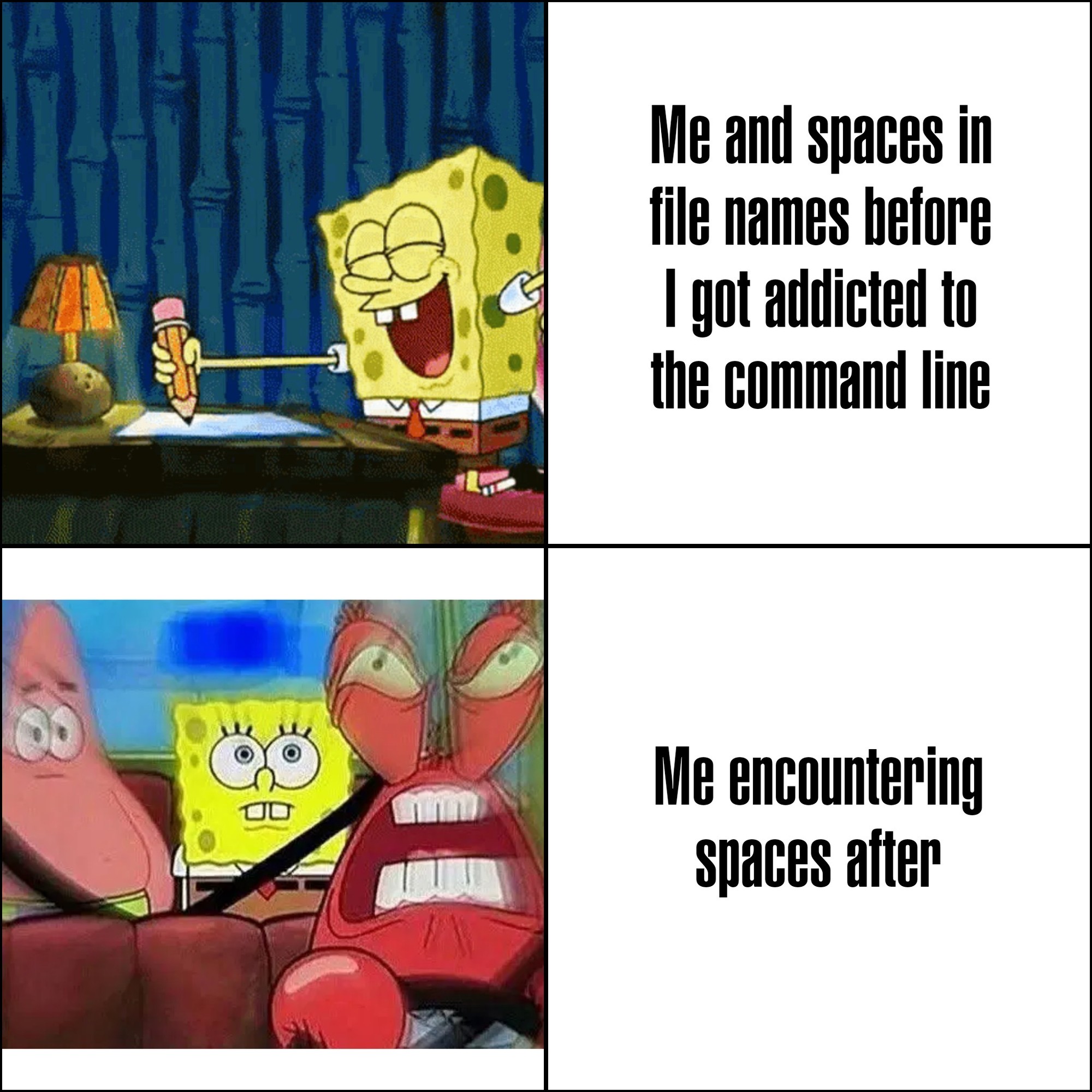
Microsoft intentionally made programs install to C:\Program Files on Windows 95+ to force programmers to deal with spaces in filenames.
Someone make one of those “statements made by the utterly deranged” memes about it, please and thank you.
No this is just clever
what is even more funny about this is that the name of that directory used to be locale-dependent, so in sweden it was just called “Program”, completely nullifying that idea.
C:\Program Files
C:\Program Files (x86)
C:\ProgramData
The fucking parenthetical x86 absolutely kills me. I don’t normally wish dick cancer on people,
C:\PROGRA~1
Given even what little I know of their history and what they are doing now, I cannot be sure this wasn’t the intention at least partially
I’ve recently learned that in Linux, you can use emois in filenames. I died a
littlelot inside when I learned that.On Linux file systems you can use any character except NULL, and / is a reserved character.
E.g. on ext-4 “All characters and character sequences permitted, except for NULL (‘\0’), ‘/’, and the special file names “.” and “…” which are reserved for indicating (respectively) current and parent directories.”
I once accidentally created a file with a newline character in it… it was pretty tricky to fix from command line.

Arrest this person
This is why you shouldn’t parse
lsoutput btw. UsefindandreadinsteadThis is absolutely haram
it was on accident, habibi, I swear 😁. I messed up some cmake code for preprocessing .txt ascii sprites into constants and accidentally created this abomination
I once made a script to delete .o, .lib, and .so files from my huge dev folder to free up space on my home partition.
It did not go as planned.
I actually did this a lot on classic Mac OS. Intentionally.
The reason was that you could put a carriage return as the first character of a file, and it would sort above everything else by name while otherwise being invisible. You just had to copy the carriage return from a text editor and then paste it into the rename field in the Finder.
Since OS X / macOS can still read classic Mac HFS+ volumes, you can indeed still have carriage returns in file names on modern Macs. I don’t think you can create them on modern macOS, though. At least not in the Finder or with common Terminal commands.
I don’t conduct interviews very often, but when I do, one of my questions is always about interacting with files that have special characters in the filename.
Did you not just use tab? That’s the usual method of dealing with weird characters in filenames that I’ve found
This was quite a while ago now, but I don’t think my shell escaped the tab complete properly, I remember it just printing a literal newline and evaluating it as a second command. I think there was other unicode in there too, otherwise I would have just typed it out. I had to do something with null terminated output and piping it in to
mv, but I can’t remember what exactly.
So … is allowed, or all whitespace, or Zalgo text.
I mean, on the one hand, I guess why be restrictive, but on the other I feel like requiring something that looks like language somehow might be a good idea to avoid edge cases and attacks.
You can have new lines in your file names. YSAP has a good video/playlist about how to deal with these and many more.
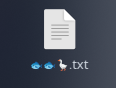
I’m just gonna pretend I didn’t hear that.
In filenames? AMATEURS! Use obscure Unicode in your passphrases for maximum security. Ctrl-Shift-U, enter arbitrary code point, bam! 🦊 Works even better with a Compose key and a nice, chonky
.XComposefile to throw some gr∑∑k letters around, for instance, like some confused script kiddie. :)On topic: There are multiple variants of spaces in Unicode. You’re welcome, and now go and create something utterly deranged with that information.
I already deal far too much with trying to handle dumb fucking typos in employee data, and trying to turn human names into valid email addresses.
The first time I encounter something like this there will be a body. It will not be found.
иnteresting_idéa_lål.ㅅㅇ
This needs more upvotes. Chaos gods smile at you, and I thank you
ChatGPT is taking notes
⏰️.🪵
10 seconds of googling indicates this is true for Windows and Mac as well. I haven’t looked specifically, but I’d be a little surprised if it wasn’t true for Android and iOS as well.
But really, why would they add rules to prevent people from using certain unicode codepoints in filenames? Should they disallow Klingon as well? Kanji? Of course not. Emojis are codepoints just like U+0061 is.
Of course there are good reasons to disallow things like newlines and forward slashes in Linux filenames, but what specifically would even be the argument for preventing emojis?
You can, but I downloaded some music the other day and I was trying to put the files onto my phone using KDE Connect, and I couldn’t understand why is wasn’t working until I got rid of the star character in the filenames. So I think Graphene/Android might still struggle with it.
Lol, I think that’s how I learned it was possible, too.
yt-dlpuses the title as the filename, and all of the emojis came along with it. Was trying to rename them from terminal, but couldn’t do much when half the filenames started with the fire emoji lol.
unix filenames are just string of bytes, the operating system does not interpret it in anyway. this is a much saner approach compared to Windows where language settings can change file system behavior.
I think that may be possible for every filesystem supporting UTF-8 encoding.
You can use emojis for variable names in swift code.
I have been using emoji in macOS for many years. It can be very useful to tag files.
Oh\ come\ on,\ it\'s\ not\ that\ badSome shells enclose those types of files within inverted commas. Such that:
> ls
file\ name.md
is instead
> ls
'file name.md'
(I use fish)
“inverted commas”? single quotes?
Yes, I am a weird english.
What is the Old Continent name of those: `
On its own, the backtick is primarily used in computing, and so doesn’t have an old-timey-English name, nor does the Jargon File mention a Commonwealth Hackish name for it. While there are a variety of other names, I don’t think any of them are specific to the UK
When used with a letter, it marks a grave accent; this was its original purpose on a typewriter
Floating commas
In dutch I’ve heard them be called flying commas unapologetically (vliegende comma’s — ironically has one in it because many plurals need it, it doesn’t mark possession)
I tried to pause the first one but got all confused because there’s no closing single quote.
Are you typing the whole filename by hand? Tab expansion exists, you know?
If it fucking works…
Sometimes it does. But not always.
Zsh changed my life, but I still hate escape chars in my command lines for readability reasons
i think i am old. i grew up using DOS, and really hated spaces in filenames and folders because they appreared truncated at the first space with a tilde and index of that file/folder representation.
ex: C:\folder name is bad\ == C:\folder~1
i hated that so much that when i got to windows 3.1 i refrained from using spaces (some command line was still necessary in w3.1)
i have jept that habit through the years, so when i moved from windoes to linux, my natural instincts of snake_case_folder_names made it so i didnt have to change : D
That’s not even DOS I think. As far as I know Win 95 came up with this monstrosity in an attempt to circumvent the 8.3 character limitations present in older versions of DOS.
I think you’re misremembering a little. Long filenames was introduced in Win95.
Yea, Win 3.1 didn’t support long names - that came with Win95. Win 3.1 was a shell on DOS.
But I understand - it all blends together after um… 40 years (ouch!).
One of the fun things about modern Windows is that ~1 shit still appears every once in a rare while. Gotta love just stacking more and more shit on top of ancient systems in the name of backwards compatibility!
i think i am old
If your code is written well, it shouldn’t matter.
They’re annoying to deal with when interactively using command-line shells, especially so when pasting unquoted and unescaped file paths, doubly especially so with Bash where parameter expansion makes no goddamn sense if you know at least one other programming language
Example of how parameter expansion matters?
Generally if you are pasting file paths there is a better way to do that. Use find with exec, or xargs, or a for loop. Or, get the list in Vim and escape (quote) every line at once. Unless you have double quotes in the filename too (which is actually a crazy thing) it shouldn’t be a big deal.
Expansion matters because using parameters without quotes automatically splits words, and IIRC a quoted array parameter can still be split into its members — as opposed to Zsh, where word splitting doesn’t happen unprompted and quoted array parameters are flattened into a single string.
Generally if I want to run
$HOME/random executable with spaces.exethrough Wine in a terminal I copy the path in Dolphin (CTRL+SHIFT+C, or CTRL+ALT+C idr) and paste it, within quotes if needed (the four extra key inputs are the annoying part).I find that much faster than manually typing
find "$HOME" -name "random executable with spaces.exe" -type x -exec wine "{}" \;, or opening an editor to insert backslashes.
I’m a big fan of PascalCase. ThisIsAGreatFilename.odt
Rust made me have an habit of using snake_case… .rs
Now I use lowercase and underscores everywhere.
This is the best for tab completion, altho I prefer hyphens visually
I prefer lowercase with hyphens, but I’m transitioning into a team that does everything camelCase, which is the second best case, but I still strongly dislike it.
" is your friend
Yep, exactly. And tab. \<space> is weird at first but makes sense if you think about it
That’s what backslash-tab is for
Windows is stupid as shit, trying to shift+right click > open Powershell in a path containing a space results in it throwing an error, and you have to paste the path in yourself anyway
Now I’m imagining a shell that looks iteratively through arguments to find where quotes would make total sense
$ ls
my victims.ods
$ wipe -f my victims.ods --thorough
So the shell would go like
wipe→ command name found, ok-f→ no file in the current directory starts with that, skipmy→ matches a file, keep in memory…my victims.ods→ full match, but missing quotes!- Prompt user:
Filename "my victims.ods" found without quotes. Choose: [a]dd quotes this time [A]lways add quotes (dangerous) [n]o quotes today please [N]ever offer adding quotes again [t]ell me what could possibly go wrong when I choose to always add quotes [P]unch the person who proposed this featureSameHereBrother.
I love emoji filenames
End each word with a . Pretty simple.